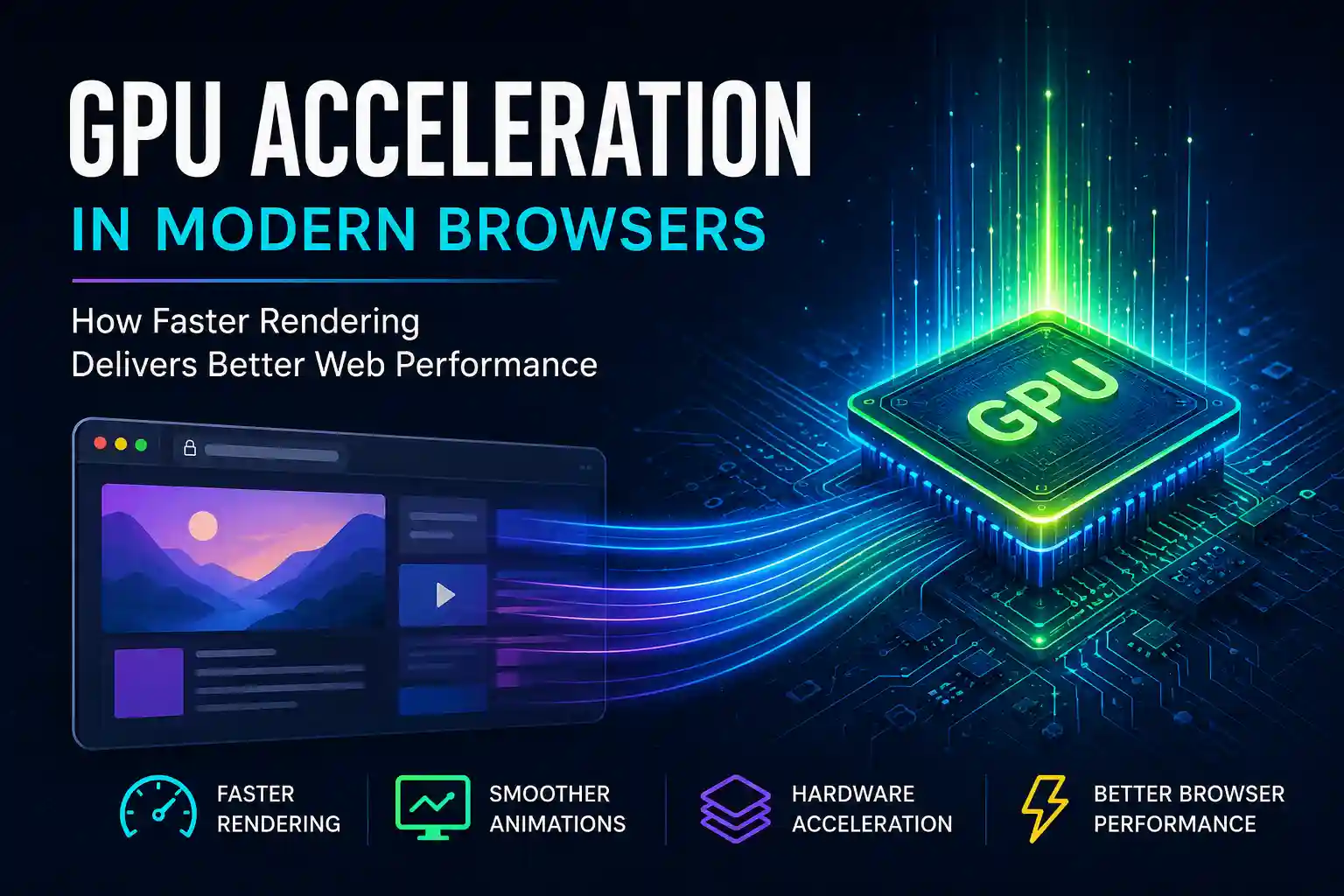
Open a modern website today and you’ll notice something remarkable. Animations feel smooth, scrolling feels natural, videos play seamlessly, and interactive interfaces respond almost instantly. None of this happens by accident.
Behind the scenes, modern browsers increasingly rely on GPU Acceleration to handle rendering tasks that once depended entirely on the CPU. As web applications become more complex, browsers must process millions of visual updates every second while maintaining a responsive user experience.
Without GPU acceleration, many modern web experiences would feel sluggish, consume more power, and struggle to maintain smooth frame rates.
In this guide, you’ll learn how browser GPU acceleration works, why it matters, how it fits into the web rendering pipeline, and how developers can leverage it to improve browser performance and deliver faster rendering experiences.
What Is GPU Acceleration?
GPU Acceleration is the process of using a computer’s Graphics Processing Unit (GPU) to perform rendering tasks that would otherwise be handled by the CPU.
While CPUs excel at sequential processing and general-purpose computing, GPUs are designed to process thousands of operations simultaneously. This makes them particularly effective for graphics rendering, image processing, video playback, and visual effects.
Modern browsers such as Google Chrome, Mozilla Firefox, Microsoft Edge, and Apple Safari use GPU acceleration to improve rendering efficiency.
Instead of asking the CPU to draw every visual element on the screen, browsers can offload many graphics-intensive tasks to the GPU.
Examples include:
- CSS animations
- 3D transforms
- Video decoding
- Canvas rendering
- WebGL graphics
- Compositing layers
- Scrolling effects
This division of labor allows websites to render more efficiently while keeping the interface responsive.
Why Modern Browsers Depend on GPU Rendering
Websites today are significantly more sophisticated than they were a decade ago.
A modern web application might include:
- Real-time dashboards
- Interactive maps
- Complex animations
- Video streaming
- 3D visualizations
- Data-heavy interfaces
- Virtualized component rendering
Handling all these operations exclusively on the CPU would create performance bottlenecks.
GPU rendering helps browsers distribute workloads more efficiently.
Parallel Processing Advantages
Unlike CPUs, GPUs contain thousands of smaller cores capable of executing many calculations simultaneously.
This architecture makes GPUs ideal for rendering tasks involving:
- Pixel manipulation
- Texture mapping
- Animation frames
- Image compositing
- Visual transformations
The result is smoother rendering and better responsiveness.
Improved Frame Rates
Most modern displays operate at 60Hz, while premium devices commonly support 120Hz or higher.
To achieve smooth motion, browsers must consistently render frames within strict time budgets.
For example:
- 60 FPS requires rendering every 16.67 milliseconds
- 120 FPS requires rendering every 8.33 milliseconds
GPU acceleration helps browsers meet these demanding rendering targets.
Lower CPU Utilization
Offloading rendering work to the GPU frees CPU resources for application logic, networking, data processing, and user interactions.
This improves overall browser performance while reducing bottlenecks.
Understanding the Modern Web Rendering Pipeline
To appreciate how GPU acceleration works, it’s important to understand the web rendering pipeline.
Every time a webpage loads or changes, the browser performs several stages before displaying content.
Step 1: HTML Parsing
The browser converts HTML into the Document Object Model (DOM).
This creates a structured representation of page elements.
Step 2: CSS Parsing
Stylesheets are processed into the CSS Object Model (CSSOM).
The browser now understands how each element should appear.
Step 3: Render Tree Creation
The DOM and CSSOM combine to create a render tree.
This tree contains visual elements that must be displayed.
Step 4: Layout Calculation
The browser determines the size and position of every visible element.
This process is often called reflow.
Step 5: Paint
The browser converts visual elements into pixels.
Colors, borders, shadows, and text are prepared for display.
Step 6: Compositing
The GPU combines layers and produces the final image shown on the screen.
This compositing stage is where GPU acceleration becomes particularly important.
For developers interested in deeper optimization techniques, this is closely related to concepts discussed in Frontend Performance Profiling: Complete Chrome DevTools Guide to Debug and Optimize Modern Web Apps.
How Browsers Actually Use Hardware Acceleration
Hardware acceleration refers to delegating specific operations to specialized hardware rather than processing everything on the CPU.
In browsers, this usually means leveraging the GPU.
Layer-Based Rendering
Modern browsers often promote certain elements into separate rendering layers.
Examples include:
- Fixed headers
- Animated components
- Video elements
- Modal dialogs
- CSS transform targets
Each layer can be processed independently.
The GPU then composites these layers efficiently.
This minimizes repaint operations and reduces rendering overhead.
CSS Transform Optimization
Properties such as:
- transform
- opacity
- translate3d()
- scale()
- rotate()
can often be handled directly by the GPU.
Because these operations avoid triggering expensive layout recalculations, they generally deliver smoother animations.
Google’s rendering performance documentation highlights transform and opacity as preferred properties for high-performance animations.
Reference: https://web.dev/rendering-performance/
Video Playback Acceleration
Modern browsers use hardware acceleration for video decoding whenever supported by the operating system and hardware.
This significantly reduces CPU load while improving playback efficiency.
Services like YouTube, Netflix, and video conferencing platforms rely heavily on GPU-assisted video processing.
GPU Acceleration and Browser Performance
Browser performance is no longer measured solely by page load speed.
User experience increasingly depends on runtime performance after the page becomes interactive.
GPU acceleration contributes to several critical performance metrics.
Smoother Scrolling
Users immediately notice laggy scrolling.
GPU compositing helps browsers render scrolling updates more efficiently, especially on content-rich pages.
Reduced Input Delay
When rendering tasks move to the GPU, the CPU can respond more quickly to user interactions.
This contributes to improved responsiveness.
Better Animation Performance
Well-optimized GPU-powered animations maintain stable frame rates even under heavy workloads.
This is one reason modern design systems increasingly favor transform-based animations.
Improved Mobile Performance
Mobile devices have stricter power and thermal limitations.
Efficient GPU rendering often delivers smoother experiences while conserving battery life.
Developers implementing advanced rendering strategies frequently combine GPU acceleration with techniques covered in Smart React Lazy Rendering in 2026: Build Smarter Components with Intersection Observer for Better Performance.
Common Myths About GPU Acceleration
GPU acceleration is widely discussed in performance optimization circles, but several misconceptions continue to create confusion.
Myth 1: GPU Acceleration Makes Every Website Faster
Not all workloads benefit equally from GPU rendering.
Applications that spend most of their time processing business logic, API responses, or large JavaScript computations may remain CPU-bound.
GPU acceleration primarily improves graphics-intensive operations.
Myth 2: More Animations Always Improve User Experience
GPU-powered animations can be smooth, but excessive motion can still overwhelm users and negatively impact usability.
Performance optimization should focus on meaningful interactions rather than visual effects alone.
Myth 3: Hardware Acceleration Eliminates Performance Problems
Poor architecture, inefficient rendering patterns, memory leaks, and excessive JavaScript execution can still create performance bottlenecks.
GPU acceleration should be viewed as one component of a broader performance strategy.
This is especially important when evaluating architectural decisions discussed in Monolith Frontend vs Micro Frontend Architecture: Which One Scales Better in 2026? and The Impact of Frontend Architecture on Modern Web Applications.
Developer Best Practices for Leveraging GPU Acceleration
Understanding how browsers use GPU acceleration allows developers to build interfaces that render more efficiently.
Prefer Transform and Opacity Animations
When creating animations, favor properties that avoid layout recalculations.
Examples include:
- transform: translate()
- transform: scale()
- transform: rotate()
- opacity
These properties are frequently GPU-accelerated and generally produce smoother results.
Avoid Excessive Repaints
Repeatedly modifying properties such as width, height, margin, and position can trigger expensive layout and paint operations.
Reducing unnecessary DOM updates improves rendering efficiency.
Use Layer Promotion Carefully
Creating too many compositing layers can increase memory usage.
Developers should profile rendering behavior before forcing layer creation through techniques like:
transform: translateZ(0);
will-change: transform;
These optimizations should only be applied when measurable performance benefits exist.
Measure Before Optimizing
Chrome DevTools remains one of the most effective tools for analyzing rendering performance.
Developers can inspect:
- Frame rendering time
- Paint events
- Compositing layers
- Memory consumption
- Main thread activity
Google provides extensive guidance on rendering optimization through its official Web Performance documentation.
Web.dev Rendering Performance Guide
Real-World Examples of GPU Rendering in Action
Many popular web platforms rely heavily on GPU acceleration to deliver responsive experiences.
Streaming Platforms
Video streaming services use hardware acceleration for decoding high-resolution video streams.
Without GPU assistance, playback would consume significantly more CPU resources and battery power.
Online Design Tools
Applications such as browser-based design editors and collaborative whiteboards frequently rely on GPU rendering to handle zooming, panning, and complex visual interactions.
Interactive Dashboards
Enterprise analytics platforms often display thousands of data points simultaneously.
GPU-assisted compositing helps maintain responsiveness even when large datasets are visualized.
Modern Web Applications
Many React, Angular, and Vue applications use GPU-friendly animation patterns to maintain smooth user interactions.
Teams building large-scale applications often combine rendering optimizations with deployment automation practices similar to those discussed in GitLab Frontend Deployment Automation: How Scalable Teams Ship Faster with CI/CD.
The Future of GPU Acceleration in Browsers
Browser rendering continues to evolve rapidly.
As web applications approach desktop-level complexity, GPU utilization is becoming increasingly important.
Several emerging technologies are accelerating this trend.
WebGPU
WebGPU represents the next generation of browser graphics APIs.
It provides lower-level access to modern GPU hardware than WebGL.
This enables significantly more advanced rendering, machine learning workloads, scientific visualization, and computational graphics directly within browsers.
The World Wide Web Consortium (W3C) and browser vendors continue expanding support for WebGPU across major platforms.
Higher Refresh Rate Displays
120Hz and 144Hz displays are becoming increasingly common on both mobile and desktop devices.
Meeting these performance expectations requires more efficient GPU-assisted rendering pipelines.
AI-Powered Interfaces
Many modern web experiences now incorporate AI-assisted interactions, real-time visualizations, and media processing.
These workloads place additional demands on rendering infrastructure, further increasing the importance of GPU acceleration.
How GPU Acceleration Fits into Modern Frontend Engineering
High-performing websites rarely depend on a single optimization technique.
Instead, they combine multiple performance strategies across architecture, rendering, deployment, and monitoring.
GPU acceleration works best when integrated into a broader frontend engineering approach that includes:
- Efficient component rendering
- Code splitting
- Lazy loading
- Performance profiling
- Scalable architecture decisions
- Automated deployment workflows
Organizations that consistently deliver exceptional user experiences understand that rendering performance is both a technical challenge and a business advantage.
In Closing
GPU Acceleration has become a fundamental part of how modern browsers deliver fast, responsive, and visually rich web experiences.
By offloading graphics-intensive operations from the CPU to specialized GPU hardware, browsers can achieve smoother animations, faster rendering, improved scrolling performance, and better overall responsiveness.
Understanding how GPU rendering fits into the web rendering pipeline helps developers make smarter performance decisions and build applications that scale effectively across modern devices.
As technologies such as WebGPU continue to mature, GPU acceleration will play an even larger role in shaping the future of browser performance.
If you want to deepen your frontend performance expertise, continue with related guides on frontend profiling, React lazy rendering, architecture optimization, and code quality best practices.
Frequently Asked Questions
What is GPU acceleration in a web browser?
GPU acceleration allows browsers to use the Graphics Processing Unit to perform rendering tasks such as animations, compositing, video playback, and visual effects. This reduces CPU workload and improves performance.
Does GPU acceleration improve browser performance?
Yes. GPU acceleration can improve browser performance by enabling smoother animations, faster rendering, reduced input lag, and more efficient video playback. The impact depends on the workload and website design.
What is the difference between CPU rendering and GPU rendering?
CPU rendering relies on the central processor to handle graphical operations, while GPU rendering uses specialized graphics hardware optimized for parallel processing. GPUs are generally much more efficient for visual rendering tasks.
Can GPU acceleration improve website loading speed?
GPU acceleration primarily improves runtime rendering performance rather than network loading speed. However, users often perceive websites as faster because animations and interactions remain smooth.
What is WebGPU and why is it important?
WebGPU is a modern browser API that provides direct access to advanced GPU capabilities. It enables faster graphics rendering, computational workloads, machine learning applications, and next-generation browser experiences.